GERONEKO / げろねこ
GERONEKO
Shave the animals. Rebuild the world.
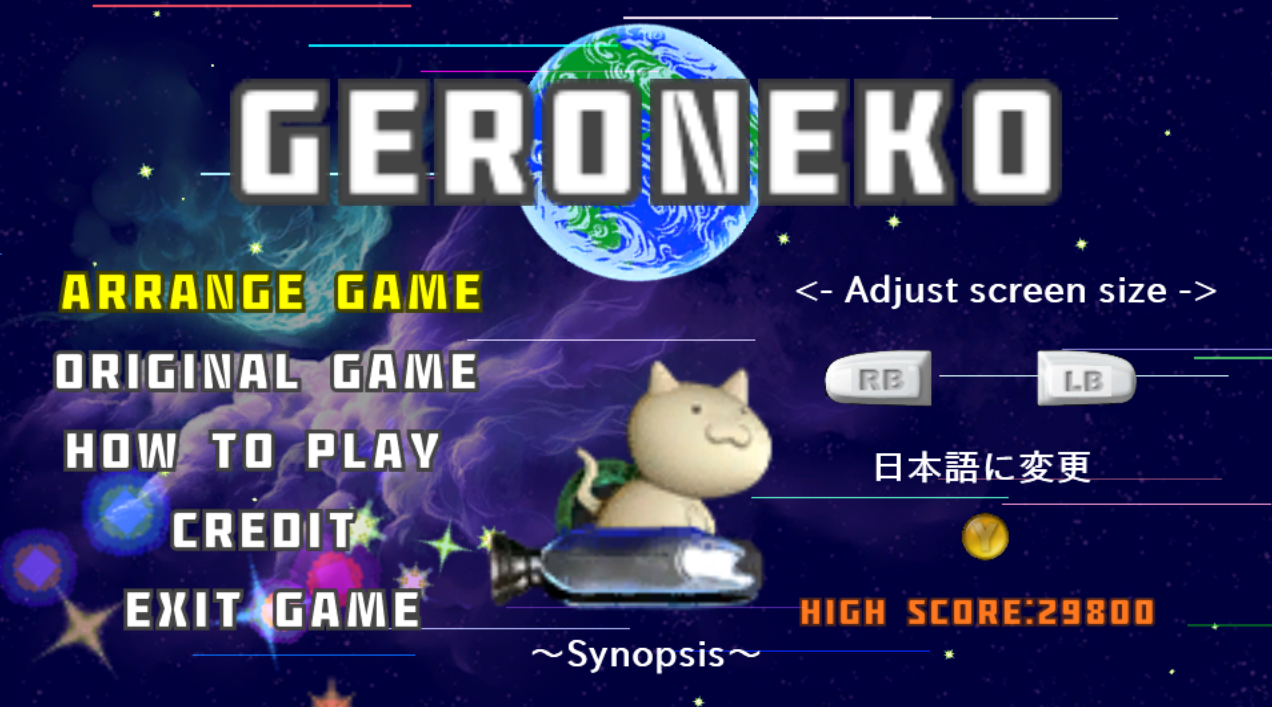
GERONEKO, the bizarre and humorous space-shaving action game originally released for Xbox 360, returns on Windows and the Web.
The Earth is gone.
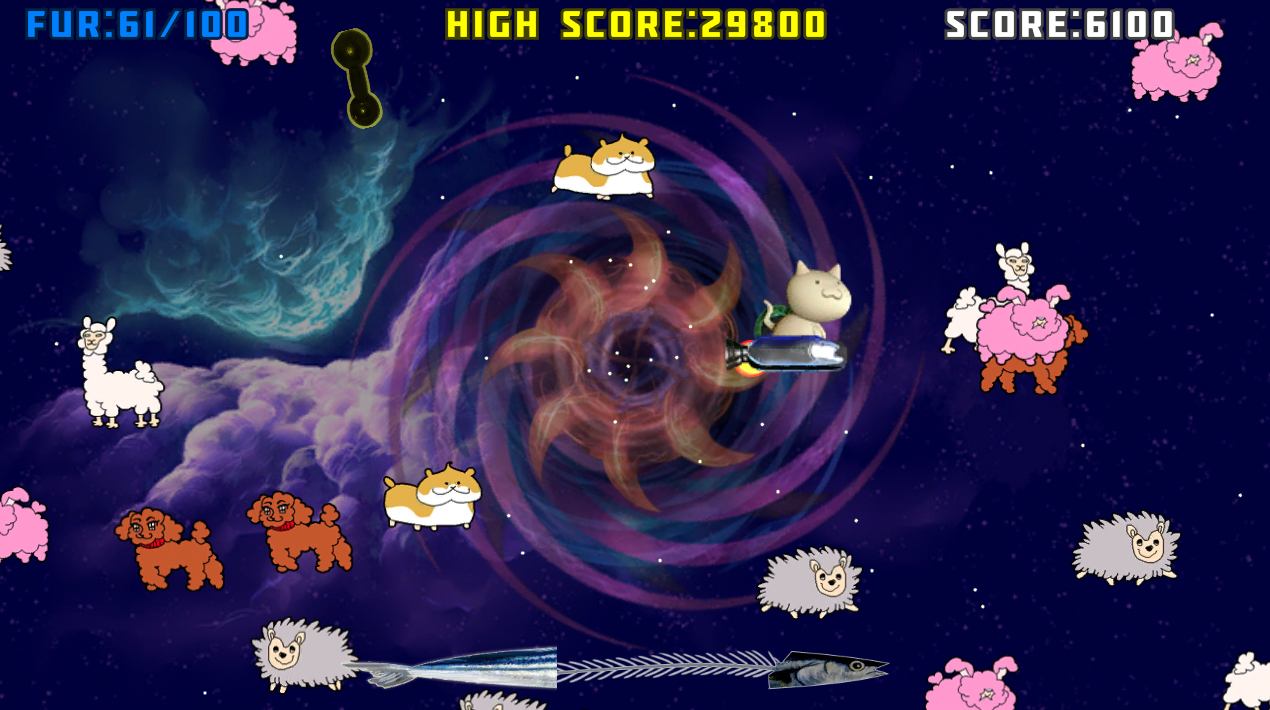
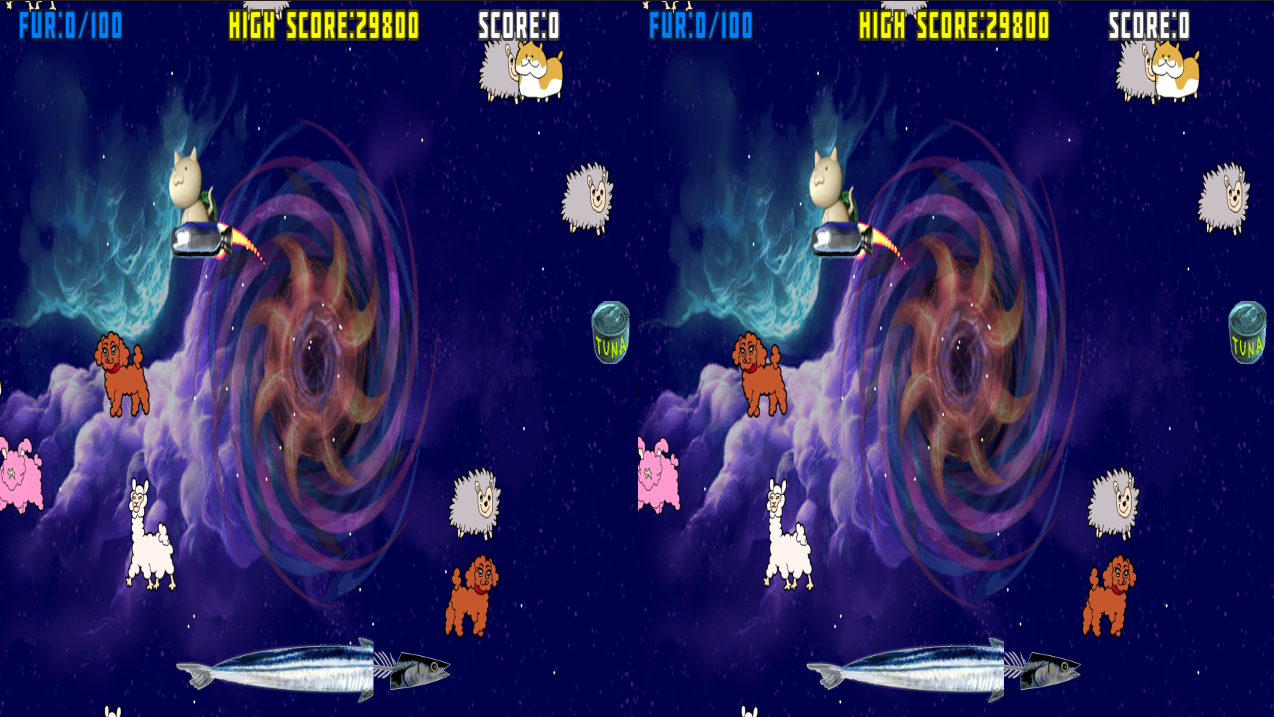
Take control of a cat riding the Super Space Vacuum Cleaner and rescue strange space animals before they disappear into a black hole.
Fly over the animals to shave their fur and collect enough material to create a new world. Keep an eye on your remaining fuel, collect floating cans of tuna, and dodge the dumbbells flying through space as you try to save as many creatures as possible.
Simple controls, an unpredictable setting, and an unforgettable cosmic adventure await.
Features
- Ported from the original Xbox 360 version
- Playable on Windows and in a Web browser
- Keyboard and Xbox controller support
- Optional Half Side-by-Side stereoscopic 3D
- Toggle stereoscopic 3D at any time during gameplay
- Adjust the 3D depth while playing
Stereoscopic 3D Controls
| Operation | Keyboard | Xbox Controller |
| Toggle stereoscopic 3D | V | View button |
| Decrease 3D depth | [ or - | X button |
| Increase 3D depth | ] or + | B button |
| Display Mode | Press Alt + Enter to switch between fullscreen and windowed mode | Press the right analog stick to switch between fullscreen and windowed mode |
The stereoscopic image is displayed in Half Side-by-Side format. A compatible 3D display, television, projector, VR device, or other supported viewing setup is required to experience the stereoscopic effect.
Stereoscopic 3D can be disabled for normal play on a standard display.
---
GERONEKO -げろねこ-
世界を救う方法は、宇宙動物の毛を刈ることだった。
Xbox 360のインディーゲームとして登場した、奇妙でコミカルな宇宙毛刈りアクションゲーム「GERONEKO」が、WindowsとWebに帰ってきました。
地球が失われた宇宙で、猫が乗り込む「スーパー宇宙掃除機」を操作し、ブラックホールへ吸い込まれていく宇宙動物たちを救出しましょう。
動物に接触して毛を刈り、集めた毛で新しい世界を作り出すことがあなたの使命です。燃料切れに注意しながらマグロ缶を回収し、宇宙を飛び交うダンベルを避けて、できるだけ多くの動物を救ってください。
シンプルな操作、予測不能な世界観、そして一度見たら忘れられない宇宙の物語をお楽しみください。
移植版の特徴
- Xbox 360版「GERONEKO」をWindowsとWebへ移植
- キーボードとXboxコントローラーに対応
- Half Side-by-Side方式の3D立体視に対応
- ゲーム中に立体視の有効/無効を切り替え可能
- プレイしながら立体感の強さを調整可能
3D立体視の操作
| Operation | キーボード | Xbox コントローラー |
| 立体視の有効/無効 | Vキー | View ボタン |
| 立体感を弱くする | [ キー または - キー | X ボタン |
| 立体感を強くする | ] キー または + キー | B ボタン |
| 画面表示 | Alt+Enterでフルスクリーン/ウィンドウモードを切り替え | 右アナログスティック押し込みでフルスクリーン/ウィンドウモードを切り替え |
3D立体視はHalf Side-by-Side形式で出力されます。立体視を楽しむには、Half Side-by-Side表示に対応した3Dディスプレイ、テレビ、プロジェクター、VR機器などの視聴環境が必要です。
通常のディスプレイでは、立体視を無効にして通常表示でプレイできます。
Download
Leave a comment
Log in with itch.io to leave a comment.